Three focused recordings show the actual interface and actual interactions. Only the demo worker and account data is simulated.
01macOS · Projects
Find the work you left running.
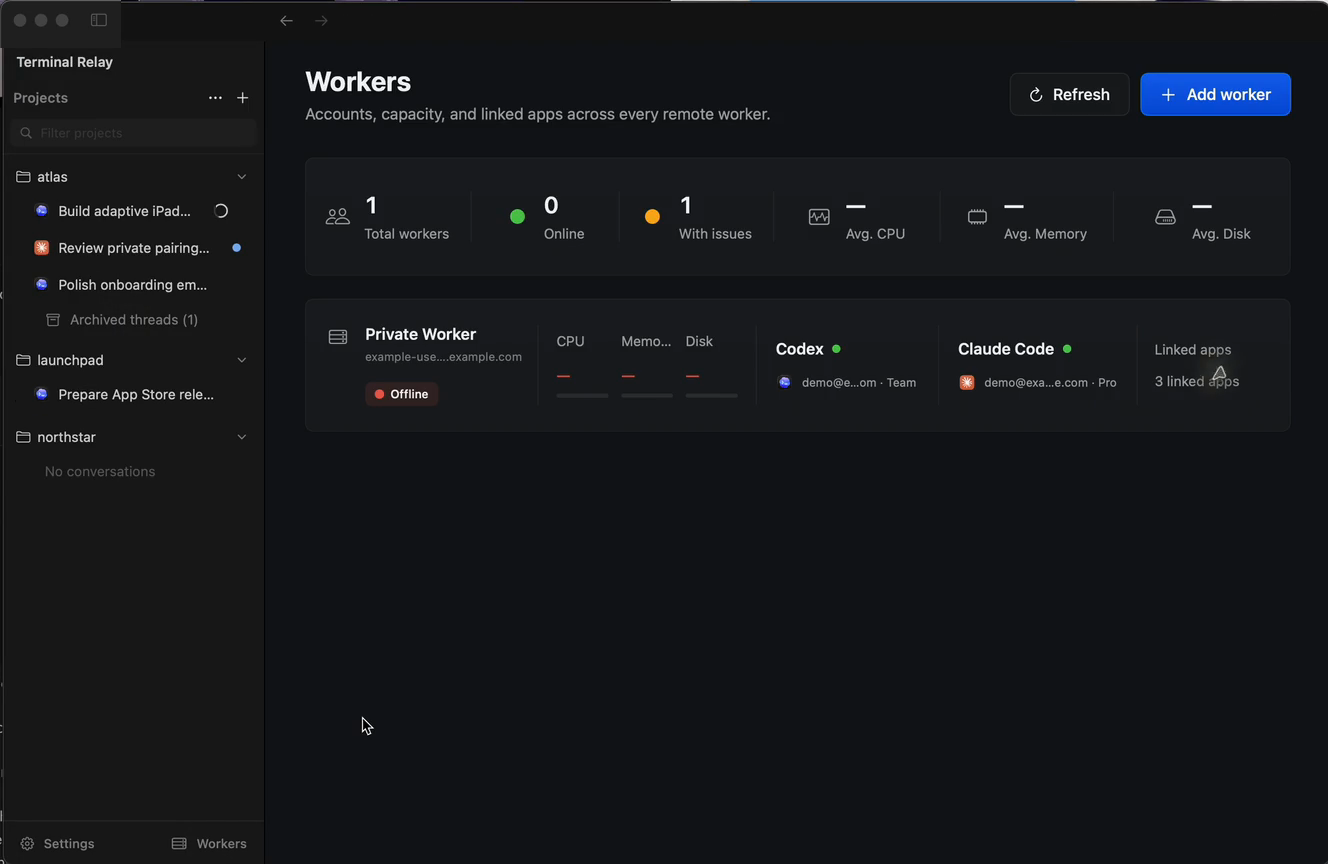
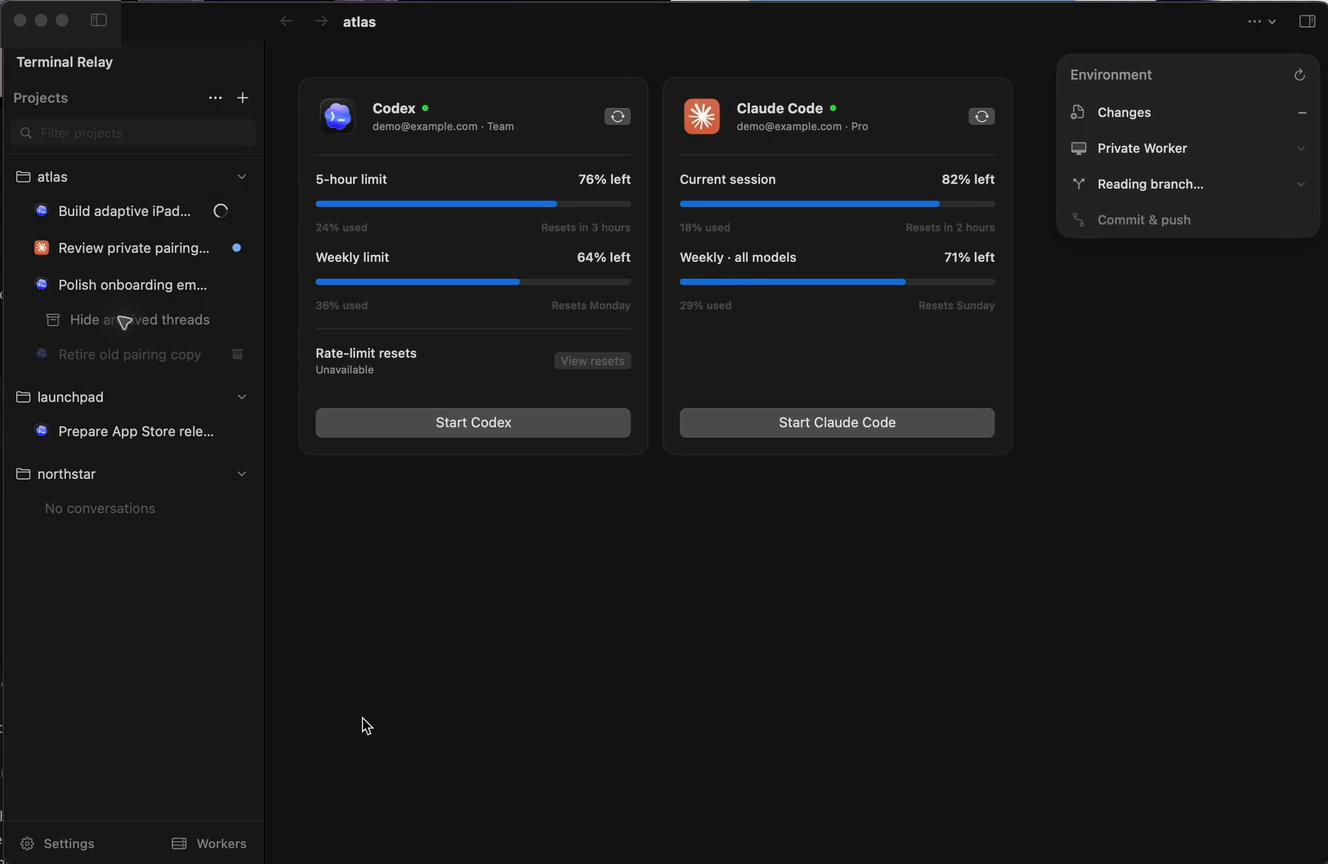
The native sidebar keeps projects, live agents and archived threads together. Follow the pointer as Terminal Relay reveals older work, changes project and returns to the exact context.
Live agent state
Archived threads
Fast project switching
Follow the cursorActual macOS app UI
02macOS · Workers
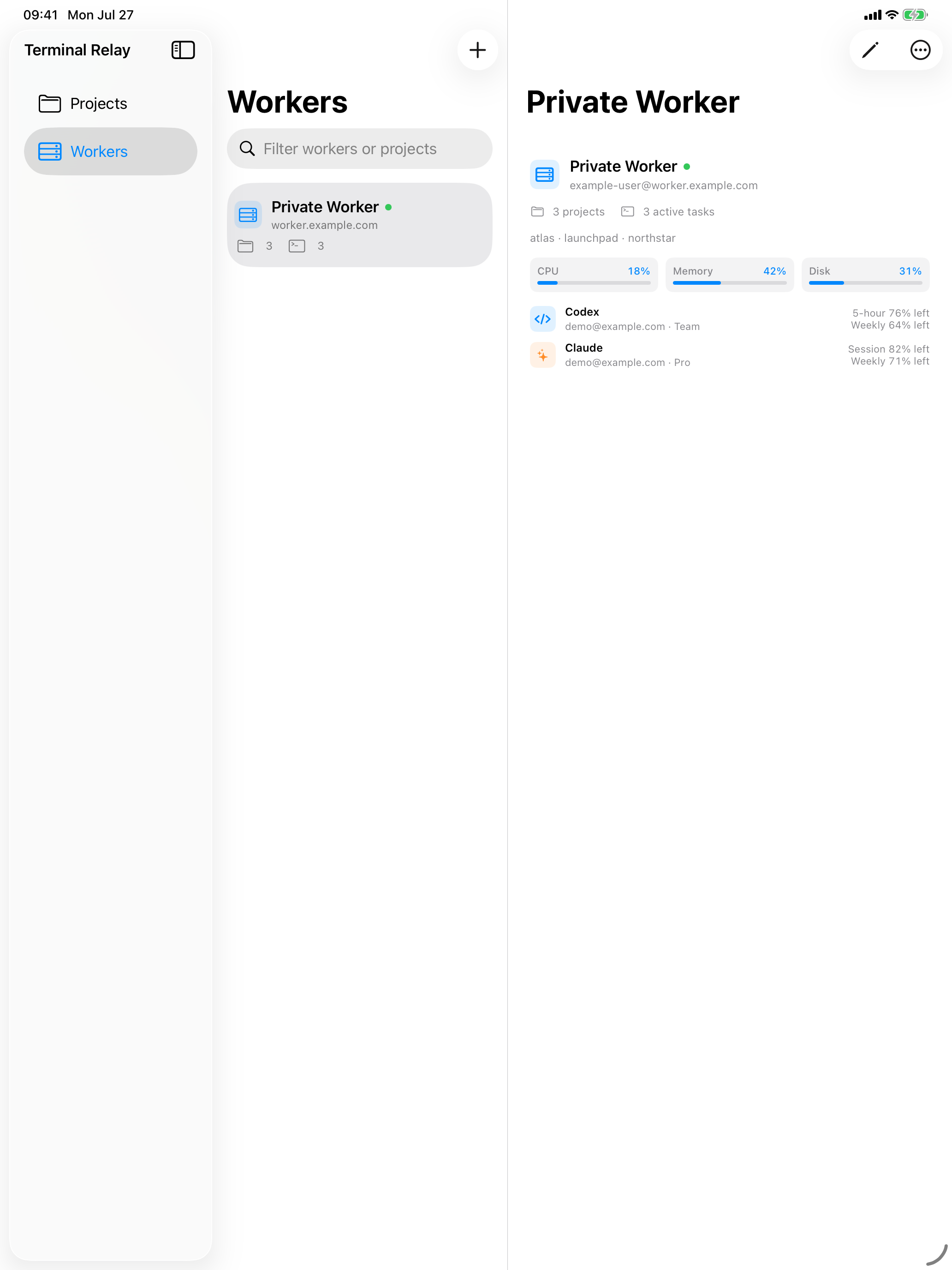
See every worker and what it can reach.
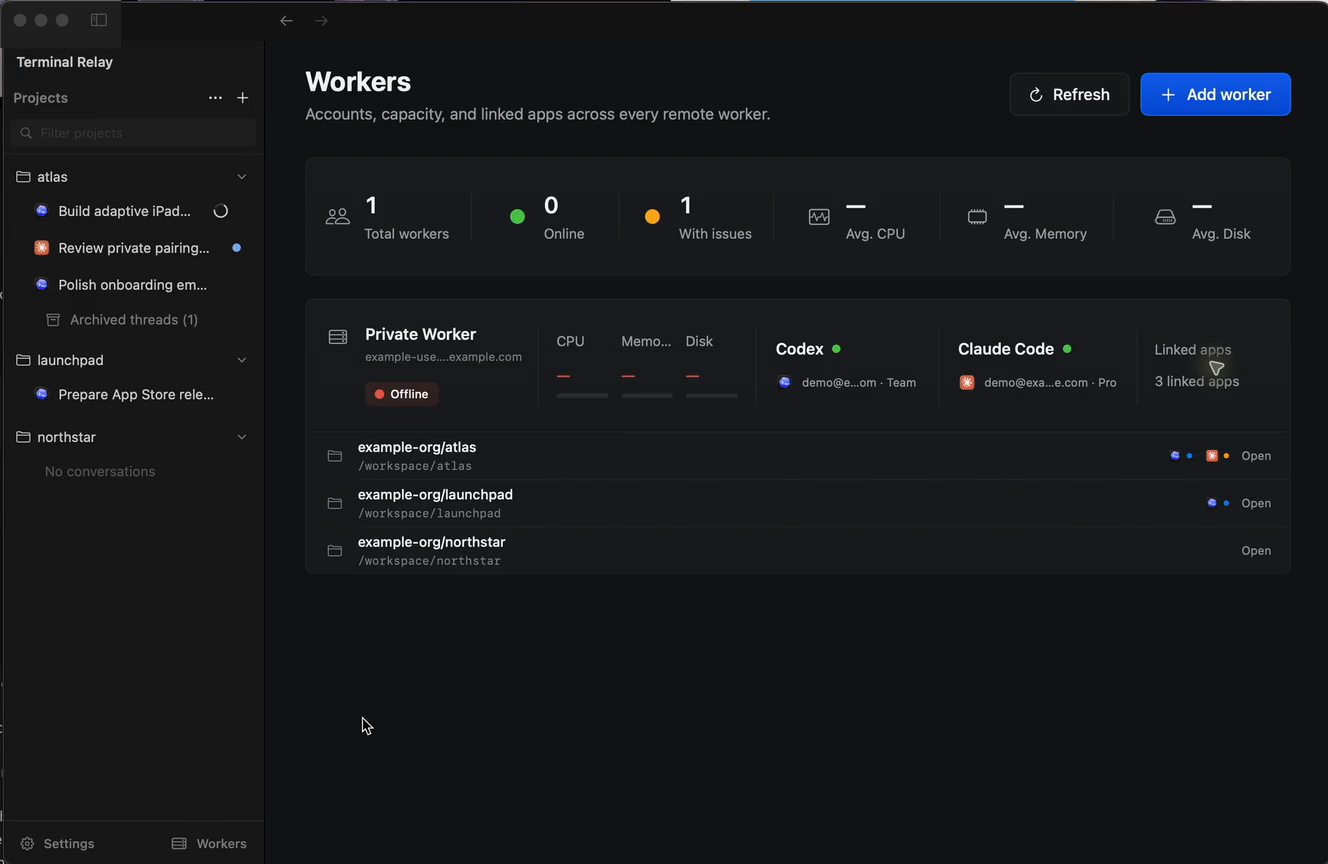
Open the worker view for capacity, account state and linked repositories. The full relationship between worker, agent and project stays visible without opening another tool.
Worker health
Agent accounts
Linked repositories
Follow the cursorActual macOS app UI
03macOS · Private pairing
Pair a mobile screen without a relay cloud.
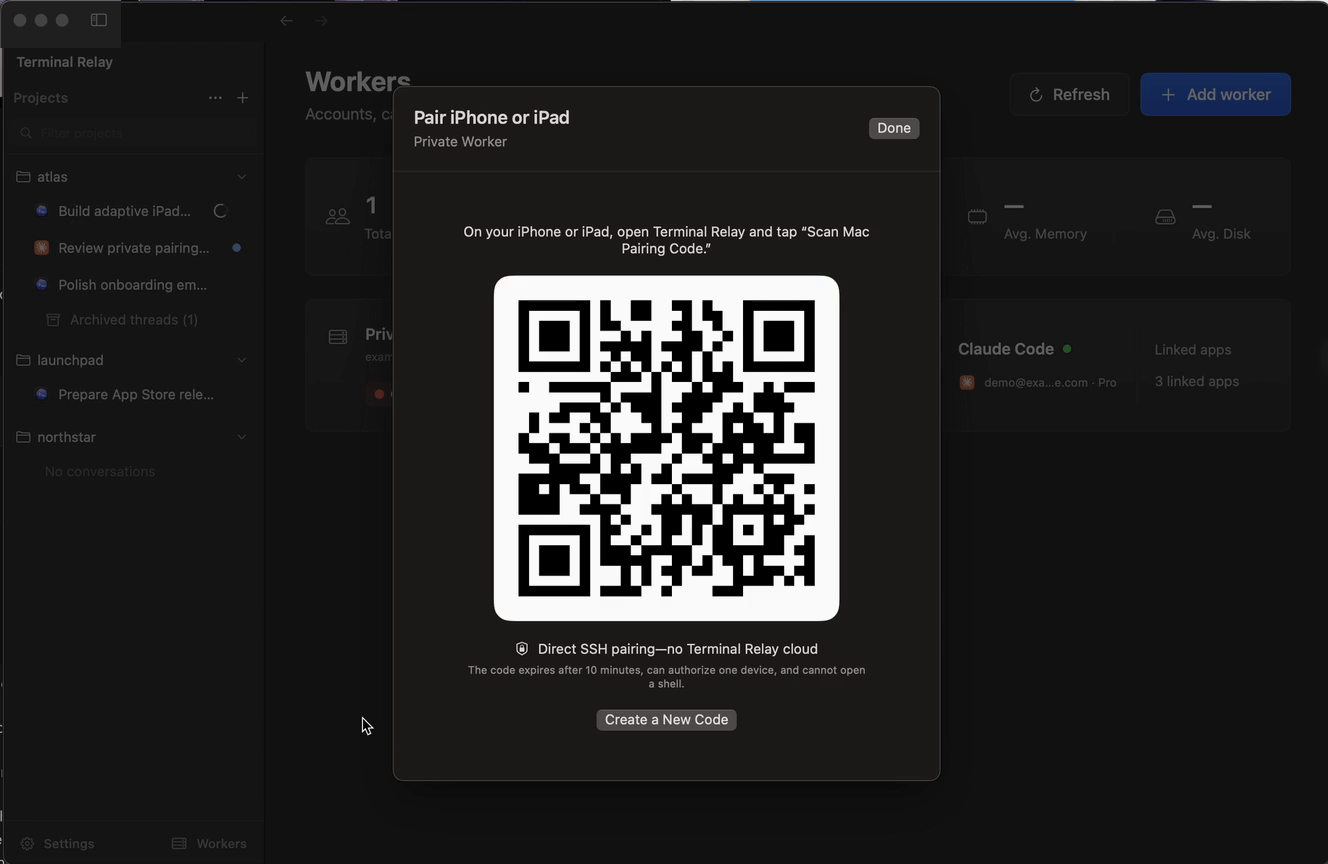
The Mac creates a short-lived QR code. The mobile app uses it once, creates its own key and connects directly to the worker over SSH.
One-time QR code
Device-owned key
Direct SSH connection
Follow the cursorActual macOS app UI
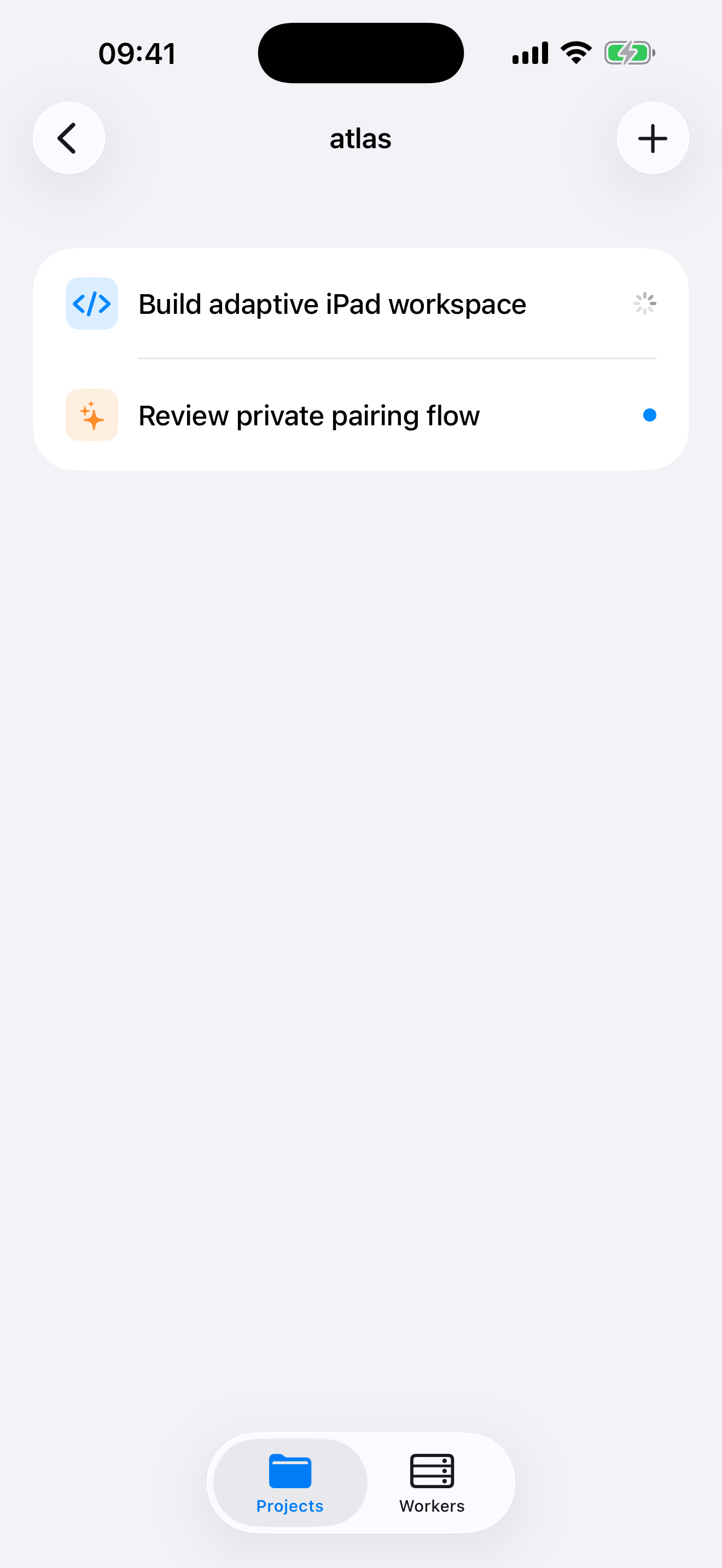
Terminal Relay on the go
Your sessions, wherever you are.
Step away from your Mac and pick up the same private Codex or Claude session on iPhone or iPad. Review progress, inspect workers and keep work moving from anywhere.
A native window into infrastructureyou already own.
Terminal Relay is not another cloud coding platform. It gives your Apple devices a secure, direct path to the workers, repositories and agent accounts you already operate.
01
Workers stay yours.
Terminal Relay connects directly to SSH workers you control. It does not proxy terminal traffic, host repositories or operate agent accounts.
02
Pair once. Move freely.
Scan a short-lived code from the Mac app. Your iPhone or iPad creates its own SSH identity and pins the worker host key.
03
The agent keeps working.
Leave your desk, disconnect one screen and reconnect from another without ending the remote Codex or Claude session.
One session · every screen
Start at the Mac. Continue anywhere.
Pair a device with a code shown by the Mac app, open a project and reconnect to the same remote terminal. The worker never becomes shared infrastructure.